
MATRIMONIAL

MATRIMONIAL FORM FILLING


Our Matrimonial Form Filling Software is designed to automate repetitive matrimonial profile data entry with speed and accuracy. The software imports data from Excel and automatically fills registration forms, profile details, and other required fields, helping businesses reduce manual effort, minimize errors, and improve overall productivity.
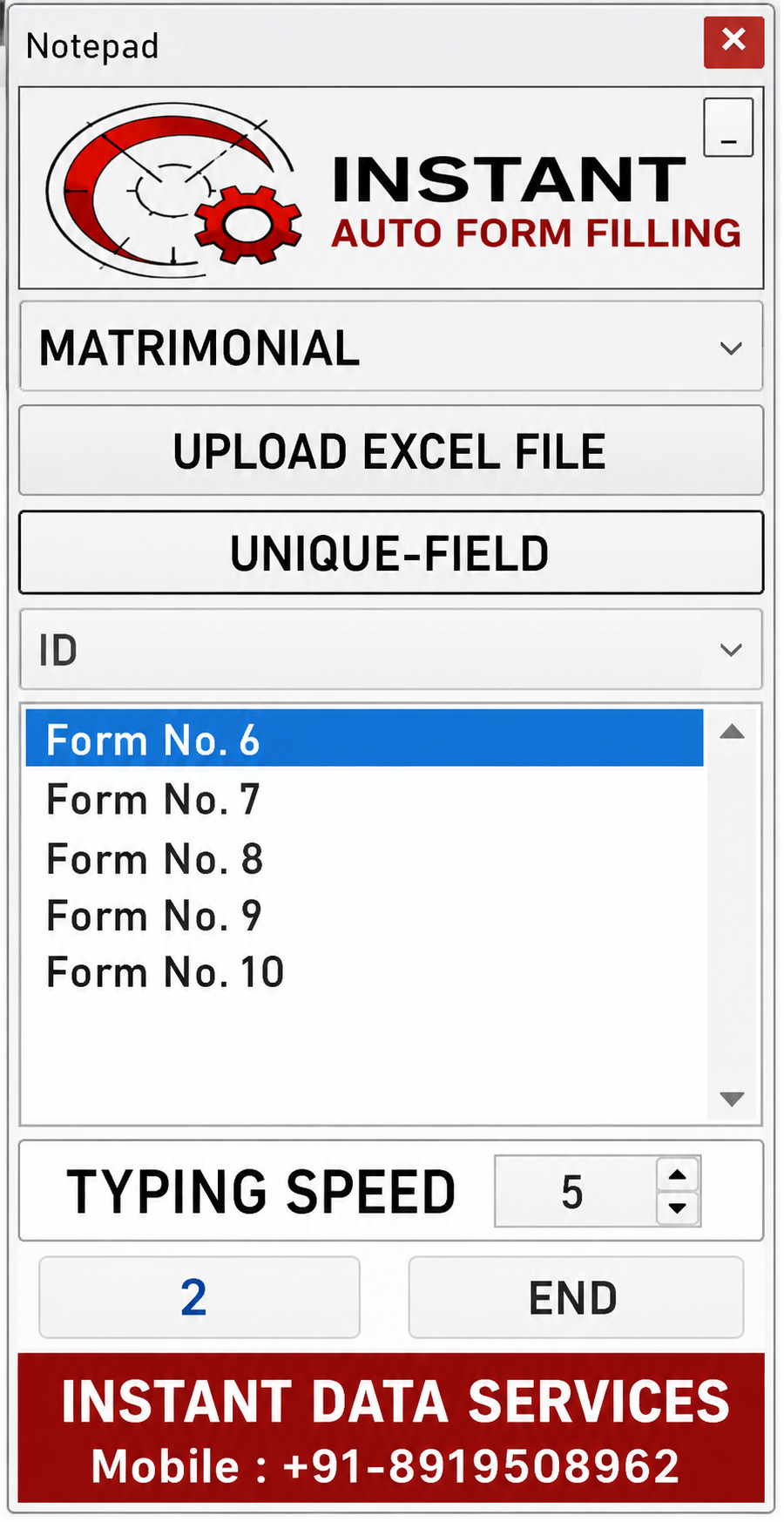
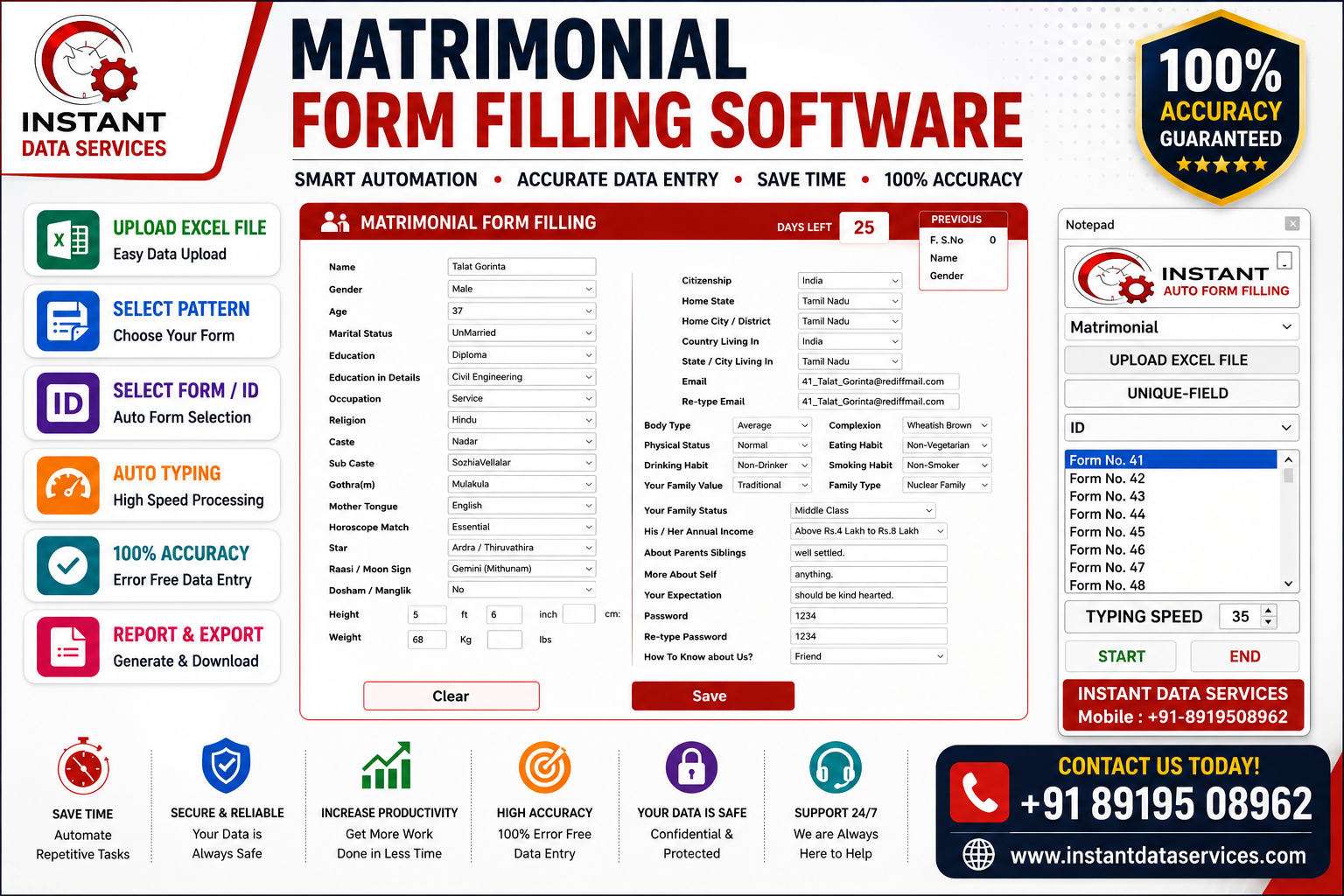
Select the Matrimonial Pattern

Choose Matrimonial from the project dropdown.

Upload Excel File

Click Upload Excel File and select the Excel file containing the matrimonial records.

Select the Unique Field

Choose the Unique Field (ID) to identify each record for accurate form filling.

Adjust Typing Speed

Set the typing speed according to your system and project requirements.


Click Begin

Click the Begin button to start the automatic form filling process.

Review & Save

Review the completed form, save the record, and continue with the next one.

Scroll back to top