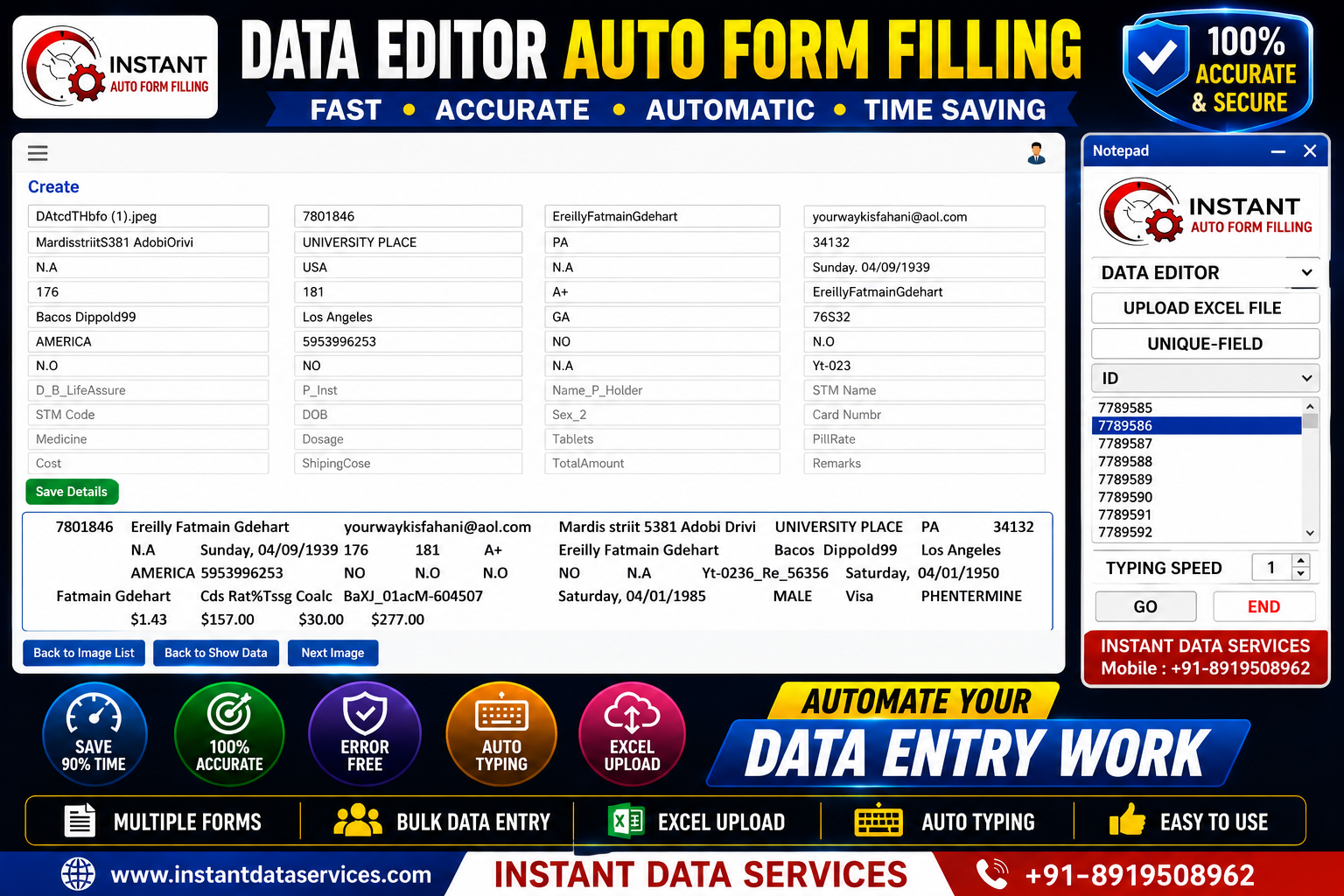
DTA EDITOR FORM FILLING
Our Data Editor Form Filling Software is designed to automate repetitive data editing and form filling tasks by importing Excel data and automatically entering information into the required fields. The software helps reduce manual typing, improve accuracy, and increase productivity while simplifying large-scale data processing. It can be customized to support different Data Editor workflows and business requirements.
Why Choose Our Data Editor Form Filling Software?
Data editing projects often require entering, updating, or verifying large volumes of information. Our software automates repetitive form filling by accurately transferring Excel data into the required fields. This helps reduce manual effort, improve consistency, and increase processing speed.
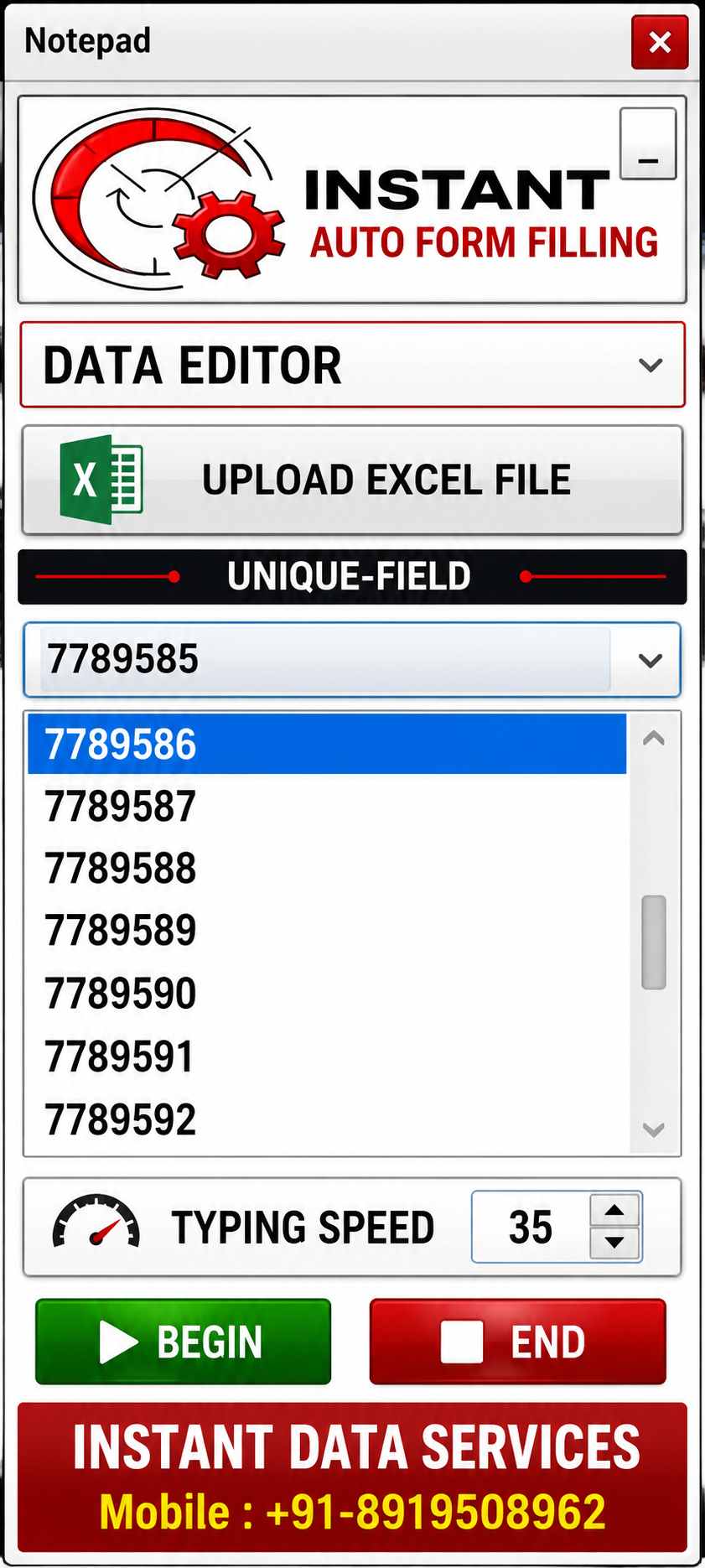
HOW TO USE DATA EDITOR FORM FILLING SOFTWARE
Step 1 – Select the Data Editor Pattern
Choose the Data Editor pattern from the project dropdown to load the appropriate automation settings.
Step 2 – Upload Excel FileClick
Upload Excel File and select the converted Excel file containing the records to be processed.
Step 3 – Select the Unique Field
Choose the Unique Field (ID) that identifies each record and ensures accurate data mapping.
Step 4 – Adjust Typing SpeedSet the typing speed according to your project requirements and the target application's response time.
Step 5 – Click Begin
Click the Begin button to start the automatic form filling process. The software will enter the Excel data into the corresponding fields automatically.
Step 6 – Review & SaveVerify the entered information, save the completed record, and continue processing the remaining records.